Settings and the config folder
Two folder names, on purpose
The public source names the data directory eglantine and still recognizes a legacy directory named eden. On Windows that is under the roaming app-data folder. On Linux the same folder name is used under the XDG data, cache and config homes. If a user folder sits next to the program, that portable folder wins.
The handbook and the switches comments still say %APPDATA%\eden. The daily-20261106 changelog says the folder was renamed from eden to eglantine and that a migration prompt for the old folder was added. I list both: new path %APPDATA%\eglantine, old path %APPDATA%\eden. Trust the directory the program creates on your machine if they disagree.
Logs: File, Open Eden Folder, Log Folder. The handbook’s Windows example is still AppData\Roaming\Eden\log. After the rename, look for eglantine\log as well.
Switches that ship in the build
The file nx2_switches.txt can sit next to the executable, or a copy in the config directory can override it. Real environment variables win. Restart after a change. Figures below are the file’s own wording, checked 2026-11-07.
| Switch | What the file says | Cost the file mentions |
|---|---|---|
| EDEN_NX2_SPLIT=2 | Runs GPU method and macro work on a background thread | It claims up to +54% FPS on its own |
| EDEN_NX2_FENCE_BATCH=1 | Batches fence sync | Smoother frame time |
| EDEN_NX2_BUFFER_DOWNLOADS=1 | Off unless you force it | Forcing it is described as about a 38–63% FPS drop |
| EDEN_NX2_FRAMES_AHEAD=2 | Cuts frame-time spikes | About 1–2 frames of input latency |
| EDEN_NX2_RESETFIX=0 | Bananza terrain and indirect drawing fix, on by default | Set 0 to turn the fix off |
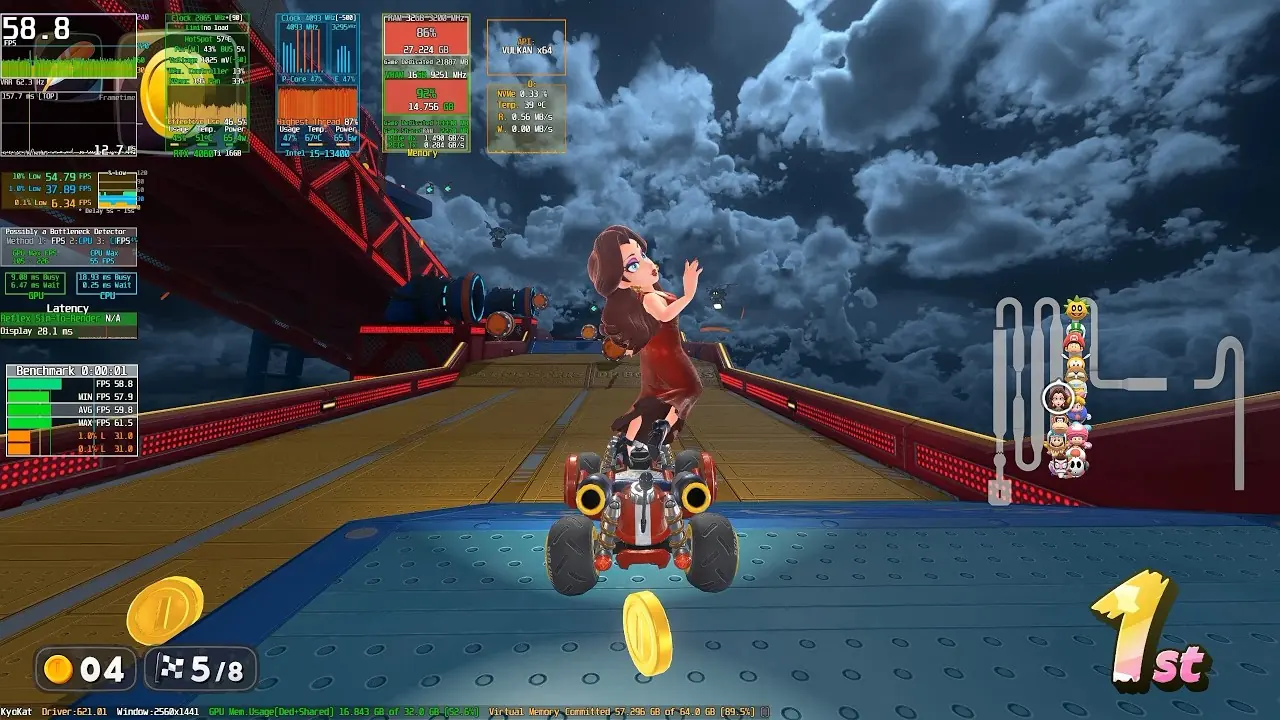
| EDEN_NX2_NO_REACTIVE=1 | A Mario Kart World experiment | One note: 29 FPS down to 24 |

Questions
Does Eglantine share Eden’s folder?
It recognizes the old eden folder and can offer to migrate. New data is aimed at a folder named eglantine. The handbook has not caught up everywhere.
Where do I put the switches file?
Next to the executable, or as a user copy in the config directory. Environment variables override both. Restart afterwards.
Sources
Links from the same publisher count as one source; a community compilation counts as one source even when it contains many reports.
| Source | Status | Checked |
|---|---|---|
| Switches file | Public page · 1 source | 2026-11-07 |
| User handbook | Public page · 1 source | 2026-11-07 |
| Eglantine releases | Public page · 1 source | 2026-11-07 |
| Source tree | Public page · 1 source | 2026-11-07 |